Frogo SDK 🚀
The Ultimate Android & Desktop Development Toolkit
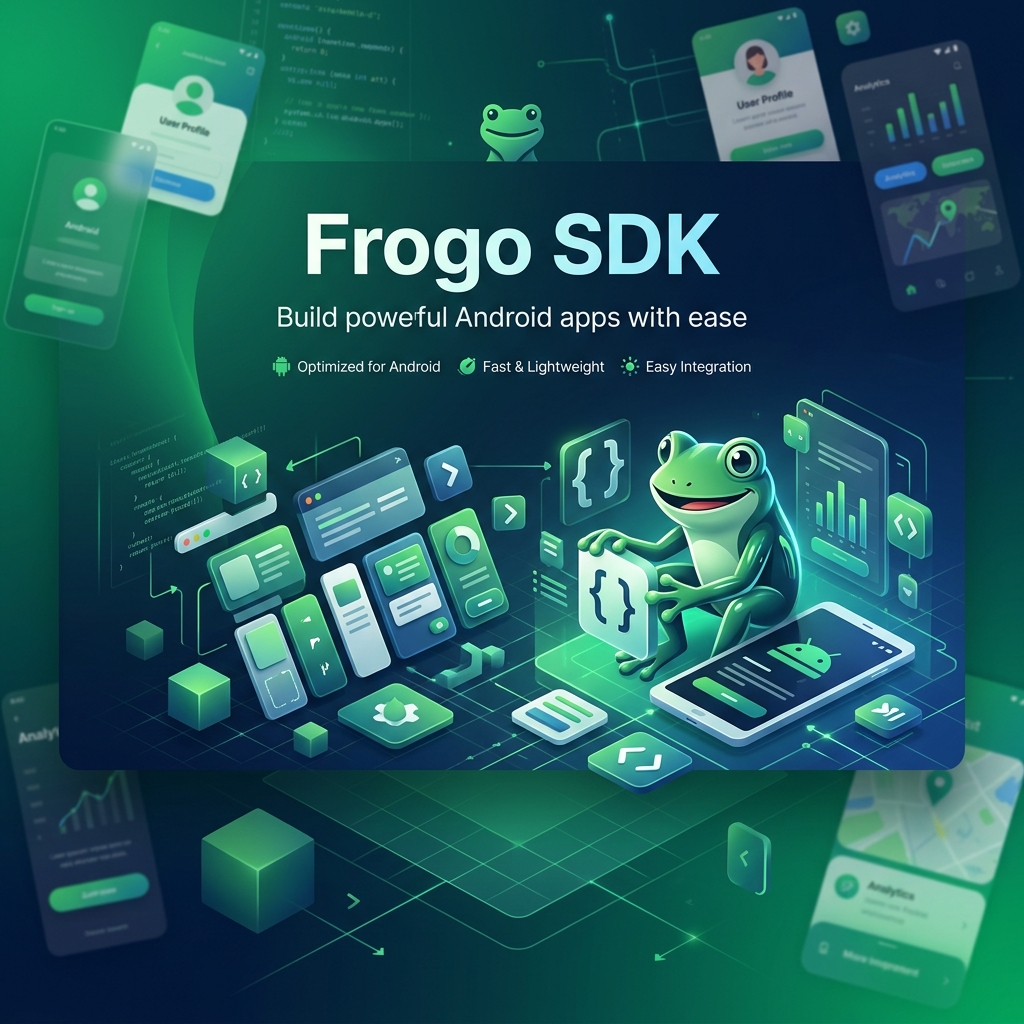




Frogo SDK is a comprehensive suite of Android libraries designed to accelerate your development workflow. From stunning Jetpack Compose UIs to seamless AdMob integration, Frogo SDK provides the building blocks you need to create high-quality apps faster.
- SDK for anything your problem to make easier developing android apps
- Available for android and desktop
- Privacy Policy Click Here
- License Click Here
Version Release
This Is Latest Release
$version_release = 3.0.12
What’s New?? (v3.0.5 → v3.0.12)
* New Feature: Added Unity Ads SDK support & UnityAdDelegates (v4.21.0) *
* Migration: Migrated to Google Mobile Ads Next-Gen SDK (ads-mobile-sdk:1.5.0) *
* New Feature: Added FrogoBannerAdCompose for declarative Jetpack Compose banner ads with lifecycle auto-cleanup *
* Refactor: Modernized AdMob core, delegates, callbacks & Compose Ad activities *
* Optimization: Cleaned up redundant R8 keep rules & established modular consumer ProGuard configurations *
* Refactor: Decommissioned legacy frogo-ui-recyclerview in favor of Jetpack Compose UI & AndroidX primitives *
* Upgrade: Target SDK & Compile SDK to 37 (Android 16) with AGP 9.4.1 & Kotlin 2.4.20 *
* Testing: Expanded Robolectric unit test coverage for ads, UI widgets & layout managers *
* Maintenance: Cleaned up legacy ad APIs, code smells & optimized SDK module architecture *
🌟 Key Features
- 🎨 Frogo Compose UI: 60+ reusable Jetpack Compose widgets and professional templates.
- 📢 Frogo Ext Ads: Simplify AdMob integration with easy-to-use wrappers for Banner, Interstitial, and Native ads.
- 🛠️ Frogo Core: Essential utilities, base classes, and extensions for Kotlin development.
- 📱 Multi-Platform: Available for both Android and Desktop environments.
📸 Screenshots & Mockups
Premium Jetpack Compose Components
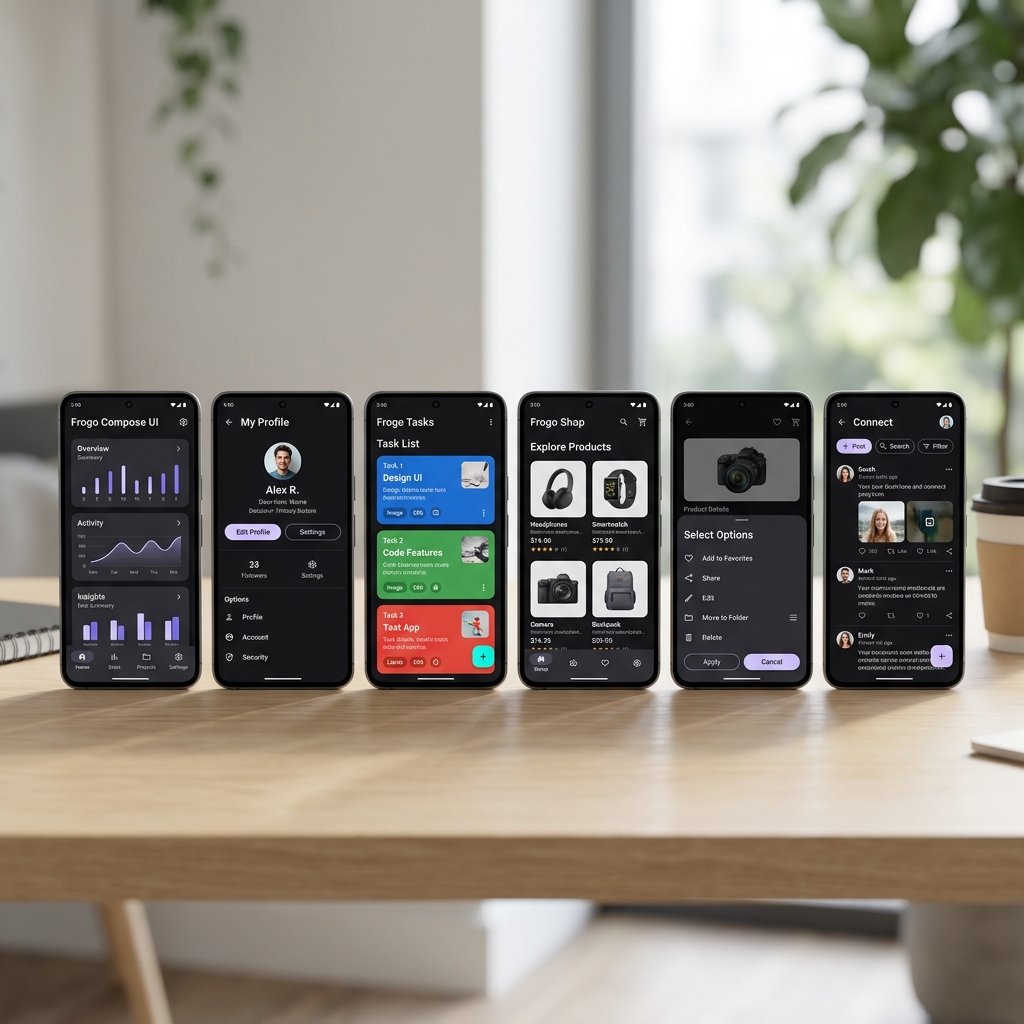 Beautiful, modern, and highly customizable UI components following Material Design 3.
Seamless Ad Integration
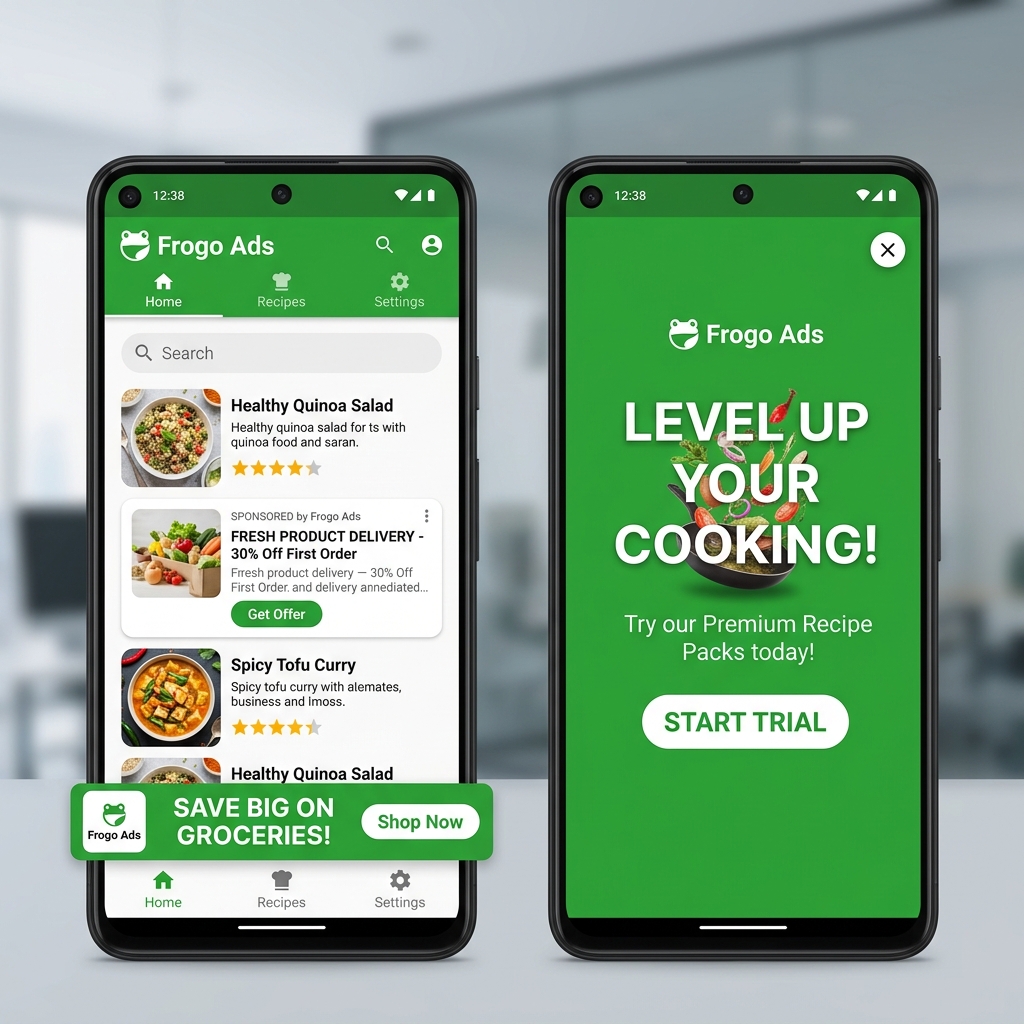 Monetize your apps effortlessly with optimized ad placements.
🚀 Quick Start
Step 1: Add JitPack Repository
Add it to your settings.gradle.kts (or root build.gradle):
dependencyResolutionManagement {
    repositoriesMode.set(RepositoriesMode.FAIL_ON_PROJECT_REPOS)
    repositories {
        google()
        mavenCentral()
        maven("https://jitpack.io")
    }
}
Step 2: Add Dependencies
Latest Version: 3.0.12
dependencies {
    // Core SDK
    implementation("com.github.frogobox:frogo-sdk:3.0.12")

    // Or specific modules (recommended)
    implementation("com.github.frogobox.frogo-sdk:frogo-compose-ui:3.0.12")
    implementation("com.github.frogobox.frogo-sdk:frogo-ext-ads:3.0.12")
}
📦 Modules Overview
| Module | Description | Key Features |
|---|---|---|
frogo-core |
Pure Kotlin Toolkit | Cross-platform utilities, string, date & math helpers |
frogo-core-android |
Core Android Toolkit | ViewBinding Base Activities, UDF FrogoStateViewModel, 16+ Extensions |
frogo-compose-android |
Compose Architecture | FrogoComposeActivity, Edge-to-Edge System UI, UDF FrogoComposeStateViewModel |
frogo-compose-ui |
Modern UI Kit | 70+ Widgets, Dialogs, Bottom Sheets, Scaffolds, Coil 3 & Glide Lists |
frogo-ui-base |
XML UI Base | ViewBinding helpers and XML-based view utilities |
frogo-ext-ads |
Monetization Kit | GMA Next-Gen & Unity Ads Delegates, FrogoBannerAdCompose, App Open Ads |
🤝 Contributing
We welcome contributions! Whether you’re fixing a bug or suggesting a new feature, your help is appreciated.
- Fork the Project
- Create your Feature Branch (
git checkout -b feature/AmazingFeature) - Commit your Changes (
git commit -m 'Add some AmazingFeature') - Push to the Branch (
git push origin feature/AmazingFeature) - Open a Pull Request
📄 License & Privacy
- License: Distributed under the Apache 2.0 License.
- Privacy Policy: Read our policy here.
📬 Contact
Muhammad Faisal Amir - faisalamircs@gmail.com
Project Link: https://github.com/frogobox/frogo-sdk
🤖 AI Agent Skill
Frogo SDK provides an AI Agent Skill that enables AI coding assistants (such as Antigravity, Gemini, etc.) to understand and automatically integrate all Frogo SDK modules into your Android project.
What is AI Agent Skill?
AI Agent Skill is a folder of instructions, code examples, and API references that extends the capabilities of an AI agent for specialized tasks. With this skill, the AI agent can:
- ✅ Automatically set up Frogo SDK dependencies in a new project
- ✅ Generate correct code using the Frogo SDK API
- ✅ Understand the architecture of multi-module structure and design patterns used
- ✅ Troubleshoot integration issues with accurate solutions
Skill Structure
skills/frogo-sdk/
├── SKILL.md                              # Main instructions for AI Agent
└── references/
    ├── compose-ui-reference.md           # API for 60+ Jetpack Compose widgets
    ├── core-android-reference.md         # Base classes & extension functions
    └── ads-reference.md                  # AdMob & Unity Ads integration API
How to Install the Skill
Method 1: Manual Copy
Copy the skills/frogo-sdk/ folder to your AI agent’s skills directory:
# For Antigravity Agent
cp -r skills/frogo-sdk/ ~/.gemini/antigravity/skills/frogo-sdk/

# For custom agent
cp -r skills/frogo-sdk/ <YOUR_AGENT_SKILLS_DIR>/frogo-sdk/
Method 2: Clone from Repository
# Clone the repo
git clone https://github.com/frogobox/frogo-sdk.git

# Copy the skill to the agent
cp -r frogo-sdk/skills/frogo-sdk/ ~/.gemini/antigravity/skills/frogo-sdk/
How to Use the Skill
Once the skill is installed, the AI agent will automatically detect it when you provide prompts related to Frogo SDK. Here are some example prompts you can use:
🎨 Compose UI
"Create a dashboard page using FrogoScaffold with TopAppBar and LazyColumn"
The AI agent will generate code like:
import com.frogobox.composeui.template.scaffold.FrogoScaffold
import com.frogobox.composeui.template.appbar.FrogoTopAppBar
import com.frogobox.composeui.list.basic.FrogoLazyColumn
import com.frogobox.composeui.list.basic.FrogoListItem

@Composable
fun DashboardScreen(items: List<DashboardItem>) {
    FrogoScaffold(
        topBar = {
            FrogoTopAppBar(title = "Dashboard")
        }
    ) { paddingValues ->
        FrogoLazyColumn(
            data = items,
            contentPadding = paddingValues,
            emptyContent = {
                FrogoEmptyState(
                    title = "No Data Yet",
                    description = "Data will appear here"
                )
            }
        ) { index, item ->
            FrogoListItem(
                headlineText = item.title,
                supportingText = item.description
            )
        }
    }
}
📢 AdMob Integration
"Add a banner ad and interstitial ad to an Activity using Frogo Ads"
The AI agent will generate code like:
import com.frogobox.ads.delegate.AdmobDelegates
import com.frogobox.ads.delegate.AdmobDelegatesImpl

class MainActivity : AppCompatActivity(),
    AdmobDelegates by AdmobDelegatesImpl() {

    override fun onCreate(savedInstanceState: Bundle?) {
        super.onCreate(savedInstanceState)
        setupAdmobDelegates(this)

        // Banner Ad
        showAdBanner(binding.adView)

        // Interstitial Ad
        showAdInterstitial("ca-app-pub-xxxxx/xxxxx")
    }
}
🛠️ Core Android Utilities
"Set up a base Application class and Activity with ViewBinding using Frogo SDK"
The AI agent will generate code like:
// Application
class MyApp : FrogoApplication() {
    override fun onCreateExt() {
        // Init DI, analytics, etc.
    }
    override fun isDebugMode(): Boolean = BuildConfig.DEBUG
}

// Activity with ViewBinding
class MyActivity : FrogoBindActivity<ActivityMainBinding>() {
    override fun setupViewBinding(): ActivityMainBinding =
        ActivityMainBinding.inflate(layoutInflater)

    override fun onCreateExt(savedInstanceState: Bundle?) {
        binding.textView.text = "Hello Frogo!"
    }
}
Complete API Reference
| Document | Description | API Count |
|---|---|---|
| SKILL.md | Main instructions & architecture | - |
| compose-ui-reference.md | Jetpack Compose widgets | 60+ composables |
| core-android-reference.md | Base classes & extensions | 7 classes, 16 ext files |
| ads-reference.md | AdMob & Unity Ads | 32+ methods |
Colaborator
Very open to anyone, I’ll write your name under this, please contribute by sending an email to me
- Mail To faisalamircs@gmail.com
- Subject : Github [Github-Username-Account] [Language] _ [Repository-Name]
- Example : Github_amirisback_kotlin_admob-helper-implementation
Name Of Contribute
- Muhammad Faisal Amir
- Waiting List
- Waiting List
Waiting for your contribute
Attention
- Please enjoy and don’t forget fork and give a star
- Don’t Forget Follow My Github Account